


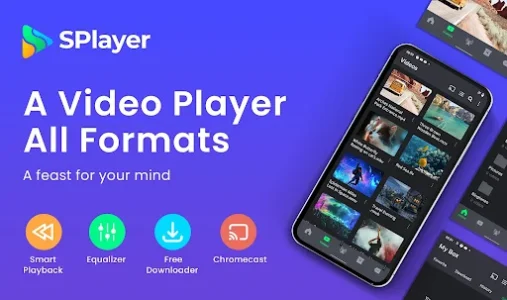
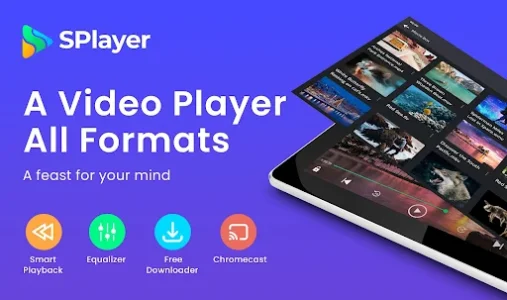
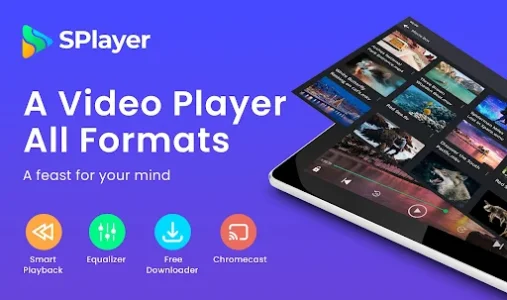
SPlayer is the kind of tool you don’t realize you’re missing until you try to open a high-bitrate 4K video and your default gallery app just gives up. It bridges that frustrating gap between having a great screen on your phone and actually being able to watch your favorite content without stuttering or format errors. I found it particularly useful when my older player couldn’t handle specific subtitle formats during a long flight. It just works.
Smooth playback for everyone
The most annoying thing about mobile video is when the audio stays in sync but the video starts lagging behind. This player uses hardware acceleration in a way that feels incredibly light on the battery while keeping frames consistent. I’ve thrown some heavy MKV files at it while commuting, and it handles the transition between scenes without that jittery feeling you get with basic apps. It makes high-definition content feel native to the device.
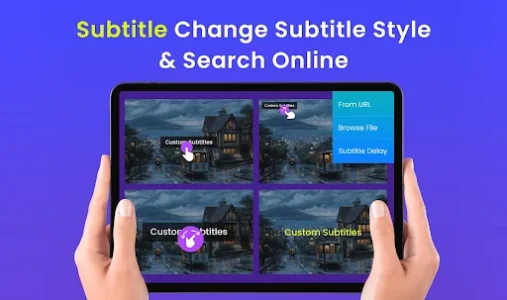
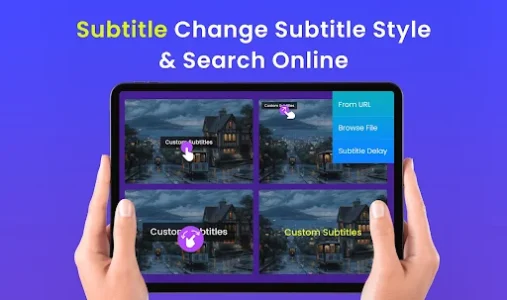
Subtitles that actually work
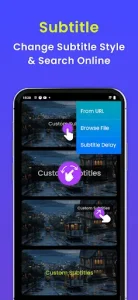
Finding a video file is easy, but getting the subtitles to line up and look readable is usually a nightmare. This platform allows you to search for subtitles directly within the interface, which saves me from the endless cycle of downloading files and renaming them manually. You can even adjust the timing on the fly if the text is a few seconds off from the dialogue. It’s a lifesaver when watching foreign films where every word counts.
Gesture controls feel natural
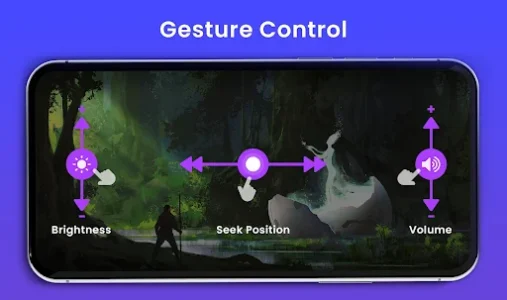
Fumbling for small buttons while holding your phone horizontally is a recipe for dropping your device. This tool simplifies the whole interaction by letting you swipe to control volume, brightness, and even the seek position. I often find myself adjusting the brightness with a quick thumb slide on the left side of the screen without even looking. It feels like the interface was designed for how people actually hold their phones in bed or on a bus.
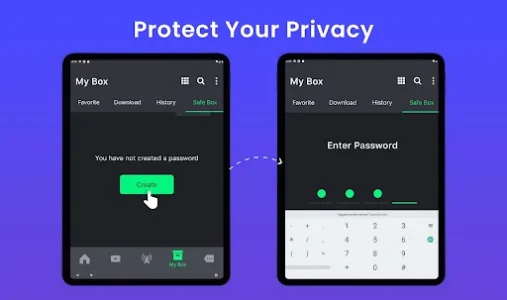
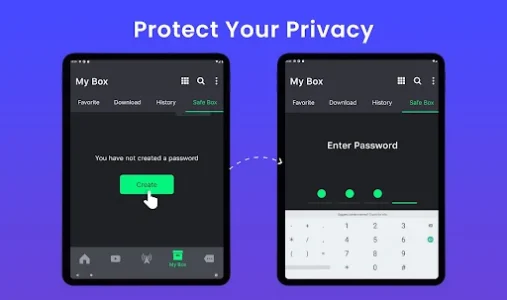
Privacy for your media
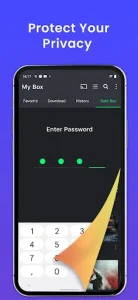
We all have videos we’d rather not have showing up in the general gallery when we’re showing photos to friends. The built-in private folder acts as a secure vault that keeps specific files hidden and protected by a password. I use this for sensitive work recordings that shouldn’t be mixed with my personal clips. It provides a sense of security that most standard media players completely overlook.
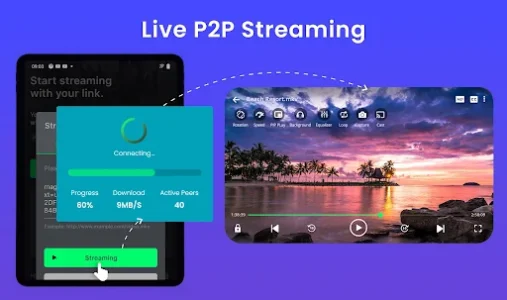
Networking made very simple
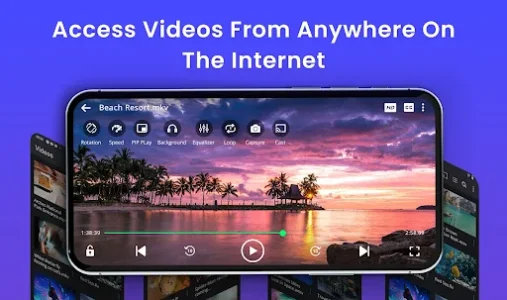
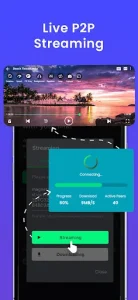
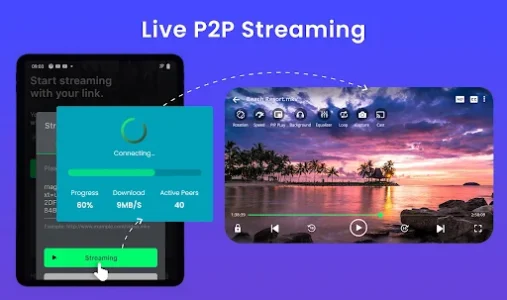
Streaming content from a local server or a cloud link shouldn’t require a degree in computer science. This service supports various network protocols, allowing you to watch movies stored on your computer directly on your tablet or phone. I set it up to stream from my home NAS, and now I can watch my entire library from the kitchen without transferring a single gigabyte. It turns your mobile device into a true extension of your home theater.
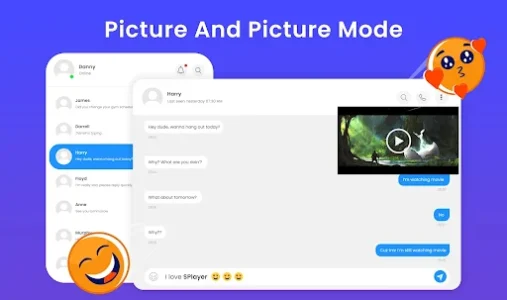
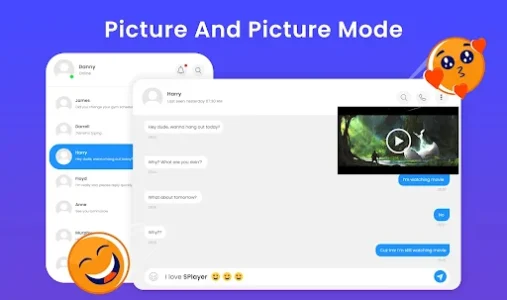
Multitasking with floating windows
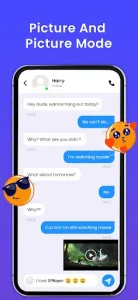
Sometimes you want to keep an eye on a video while replying to a quick text or checking an email. The picture-in-picture mode shrinks the video into a small, movable window that stays on top of other apps. I frequently use this while following a tutorial on one screen and taking notes in another app. It’s a simple feature that significantly boosts how much you can get done without stopping your entertainment.













Write a review